One corner to tuck in.
The housekeeper gives the striped pillow a shake. It settles against the headboard. On the way out, she marks Room 214 ready.
Downstairs, the front desk can see the room is ready for its next guest.


Room 214 is almost ready. Downstairs, a suitcase rolls up to reception. Come inside the hotel that Stayclouds helps run.
Follow the arrivalScroll through the hotel. The striped pillow upstairs is where the story starts.
The housekeeper gives the striped pillow a shake. It settles against the headboard. On the way out, she marks Room 214 ready.
Downstairs, the front desk can see the room is ready for its next guest.
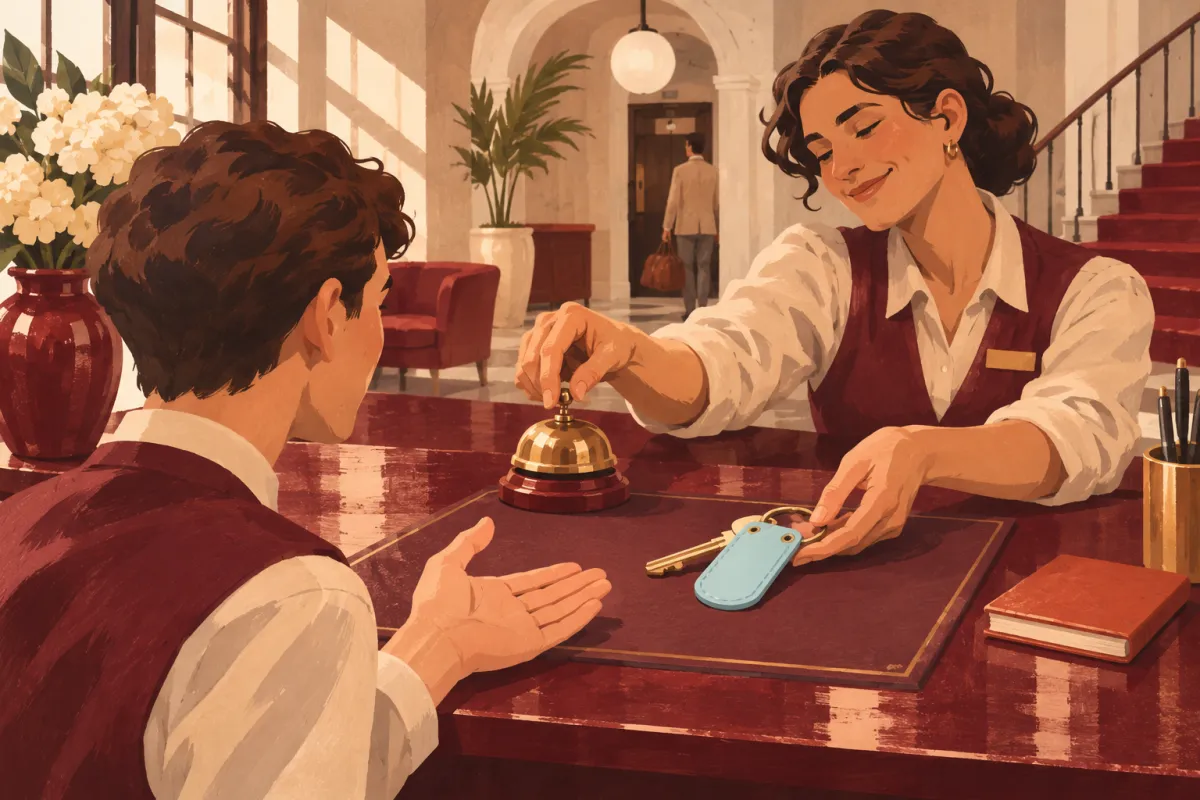
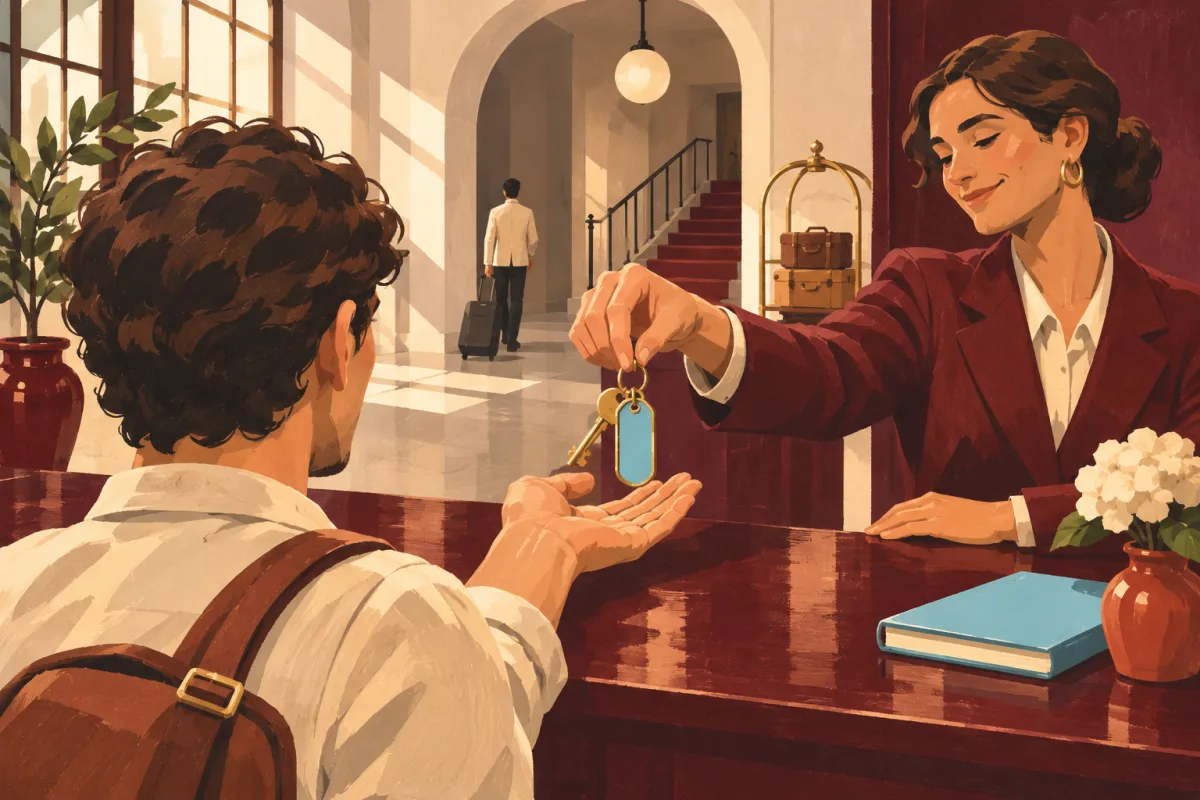
A suitcase comes to rest against the counter. The clerk finds the booking, sees the room status, and lifts the brass key from its hook.
One check-in later, the key is in the guest’s hand.
Upstairs, the guest kicks off their shoes. There’s a breeze through the open window and a blue-striped pillow in just the right place.
The desk has recorded the arrival. The guest has time for another chapter.

That evening, the guest folds the menu and signs the dinner check. The server posts the charge to Room 214. The slip can stay downstairs.
When the clerk opens the guest folio, dinner is already there.

Pick a room in the painting. See how the people inside use Stayclouds to look after the same guest.
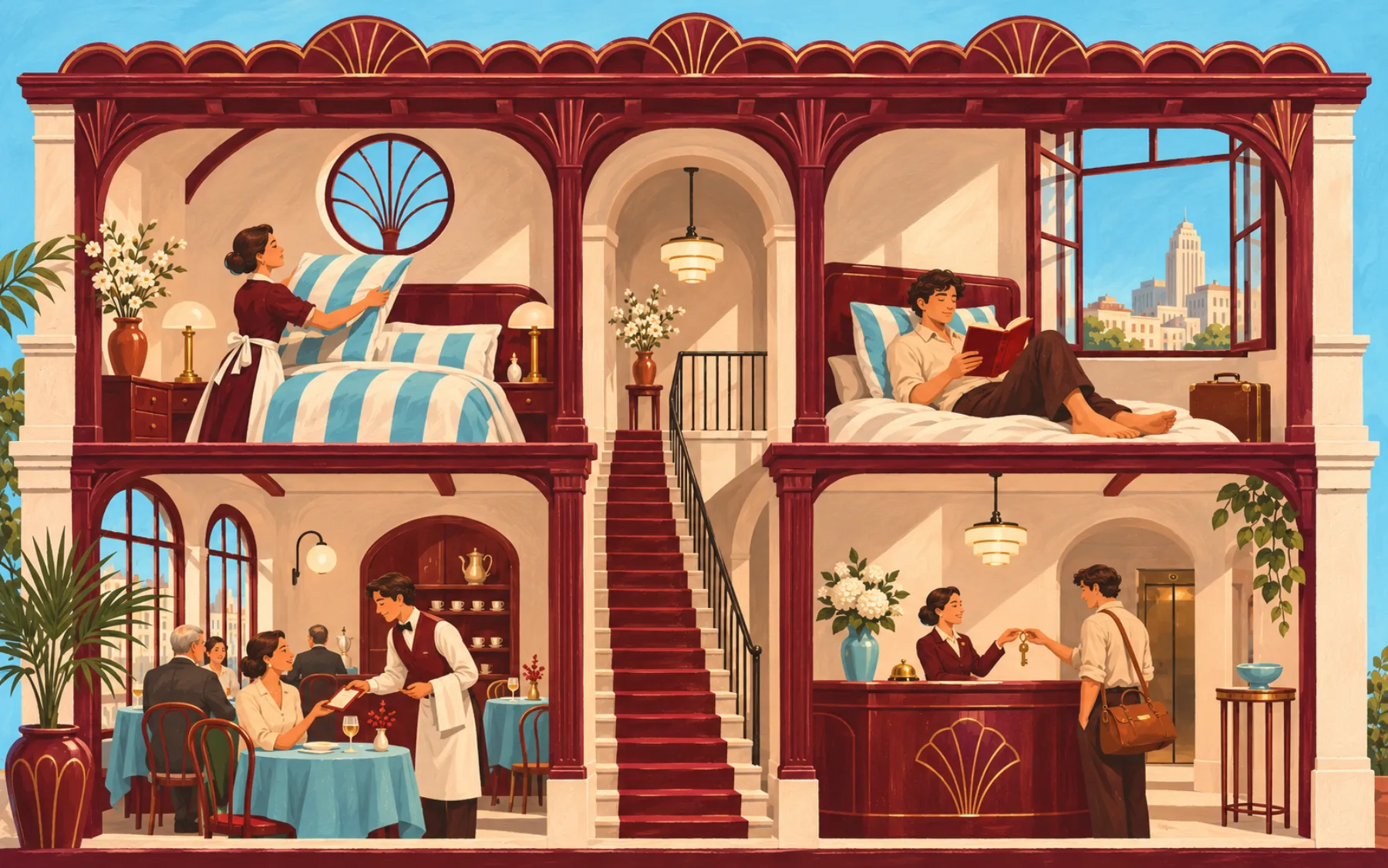
Housekeeping finishes the bed and updates the room status for reception.
Take a turn at the desk. Check in a guest, post their dinner, or set Friday’s rate before the next booking arrives.
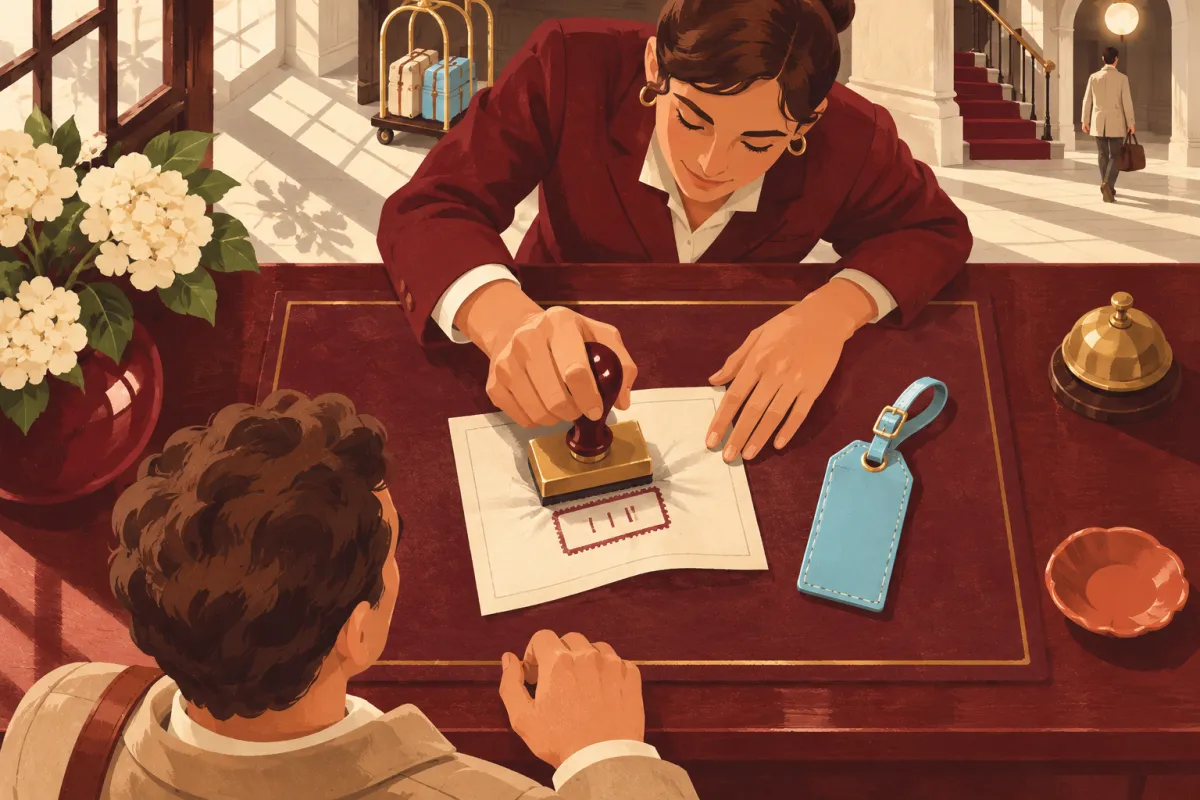
Open the guest’s reservation at reception and check the assigned room’s readiness. When the guest arrives, record the check-in against that booking.
Room ready for arrival
Room 214
Awaiting arrival
Housekeeping marks the room ready when the work is done. Reception can check the updated status when the next guest arrives.
Preparation complete
Room 214
Being prepared
Post the restaurant check to the guest’s room. Reception can see the dinner charge when they open the guest’s folio.
Dinner
Room 214
No dinner charge
A concert is filling rooms for Friday. In this example the revenue manager approves a new rate for the last available doubles. Check what guests see on the booking channels.
Suggested nightly rate
Friday double
$160 per night
By checkout, Friday has almost sold out. The revenue manager adjusts the rate. A past guest opens an email, sees Thursday is free and books directly. Follow the work that puts a name on the next reservation.
Keep the front desk, the restaurant and the accounts on the same stay.
Give each available room a route to the right guest.
Answer the question that comes before the guest reaches the counter.
Connect what a room sells for with how its next guest finds it.
Read demand, connect your tools and put hotel data to work.
A guest signs for dinner. If the check never reaches their room bill, how much is left off the folio? Try a four-week example with your own figures.

Illustrative gross bill value before any later recovery. Change the inputs to match your property.
Pick up the stay from your side of the handover, from the last room check to the dinner charge.
Front desk
Match the arriving guest to the booking and check that Room 214 is ready before you check them in.
Read the guide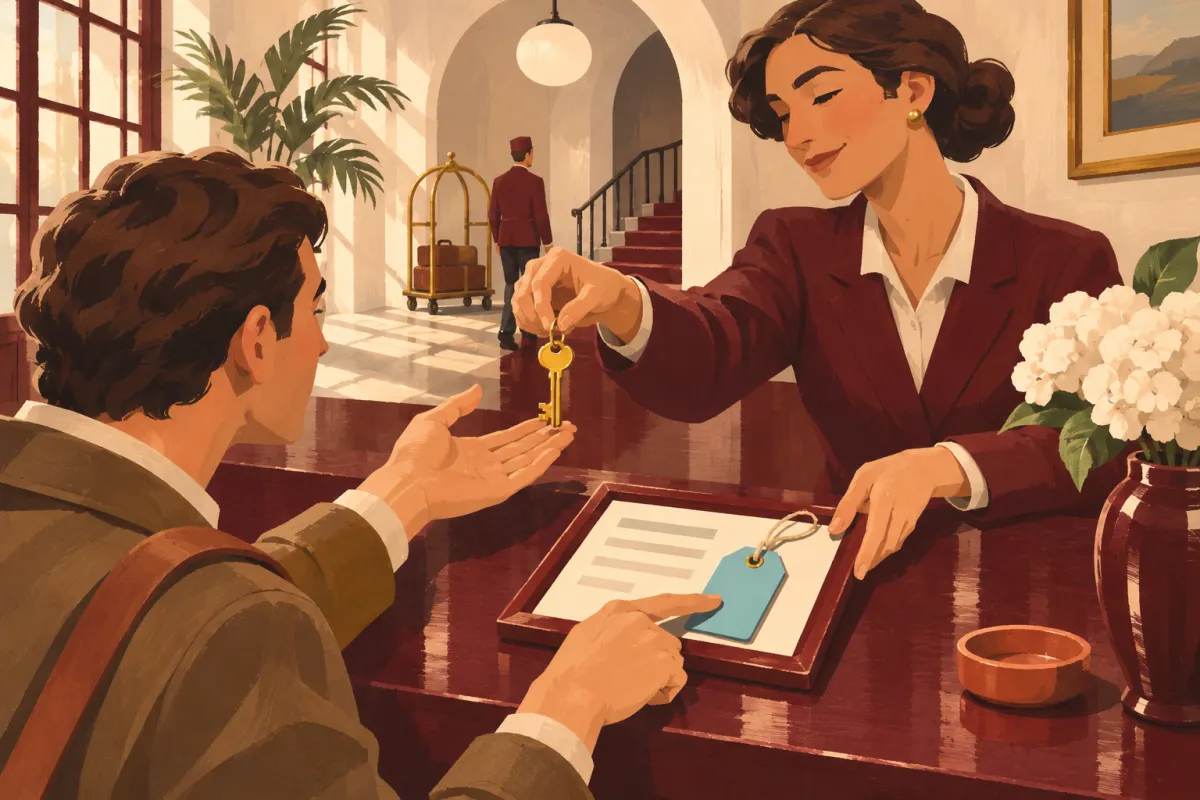
Housekeeping
Make the room-ready update the last step of the turnover so reception knows when it can hand over the key.
Read the guide
Dining room
Post a signed restaurant check to the right stay so reception can find it at checkout.
Read the guide
The front desk can manage reservations, room readiness, check-in, and guest folios. Stayclouds also covers restaurant POS, payments, distribution, direct bookings, groups and events, guest messaging, revenue management, marketing, and reporting. Explore the platform
Yes. The booking engine shows live rates and availability on your website. The channel manager updates connected channels and brings reservations into the PMS, where staff can see how each guest booked. See how channel management works
Restaurant staff can post a bill to a checked-in guest’s folio. Reception sees that charge alongside the stay, deposits, and other payments. Finance can use the payment reports to review refunds, fees, and payouts. View payments and reconciliation
Stayclouds supports connected tools through its integration marketplace and open API. To scope a move, bring your list of channels and systems, upcoming reservations, open balances, and any historical records you need to retain. Explore integrations
Start with a road traveller who books a twin room online and expects to arrive after reception closes. Find the booking, confirm how the guest will collect the key and use guest messaging to share the property’s agreed instructions. Give the morning shift a way to tell whether the guest actually arrived before it prepares the room for someone else. Explore hotel guest messaging
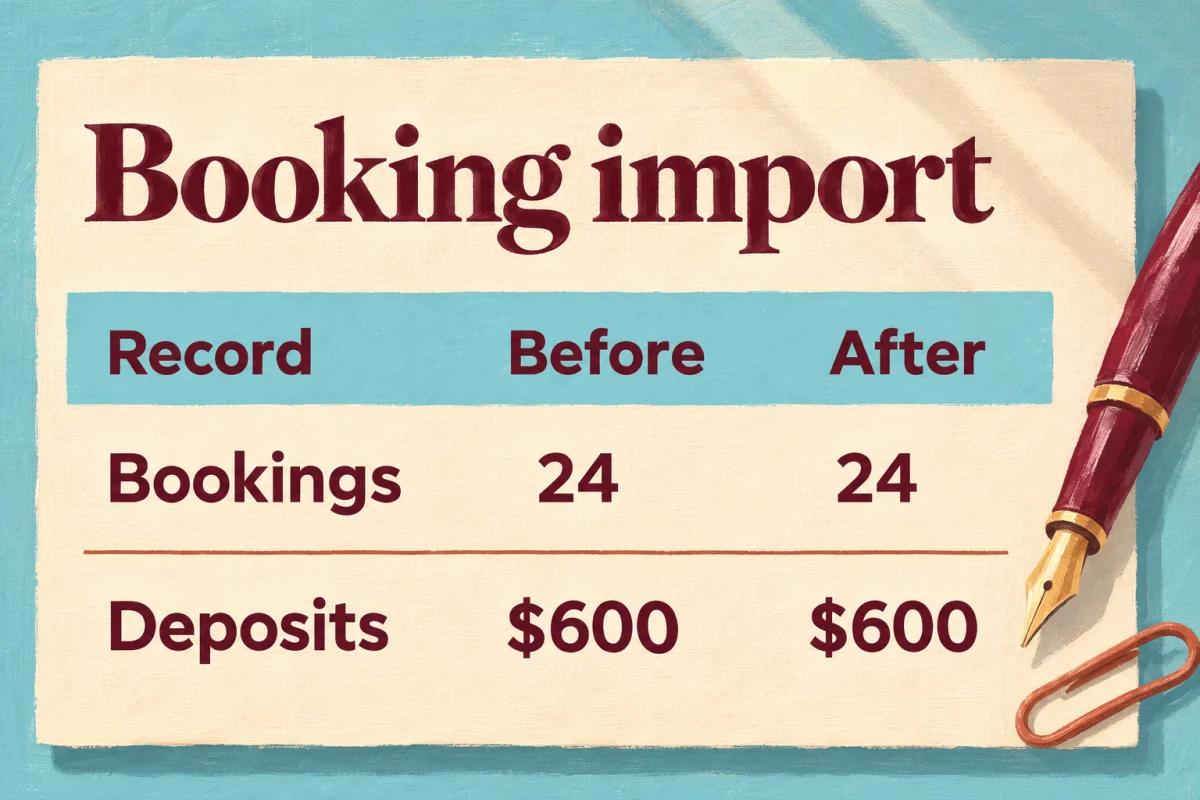
Choose a future booking with a deposit, an in-house stay with an open balance and a reservation amended by an online travel agent. Trace all three across the proposed changeover. Ask reservations to verify dates and availability, then ask accounts to match the balances. Agree who can pause the switch if either team finds a difference. Open the PMS migration checklist
Choose a plan, enter your room count and compare monthly software costs in USD, PKR or GBP. Download the resulting property brief to discuss setup, migration and payment costs with AYSHX. Plan pricing and setup
Mark Room 214 ready, then check in the guest yourself.